Handy Finds Club
← All guides

The working day / 2 min read

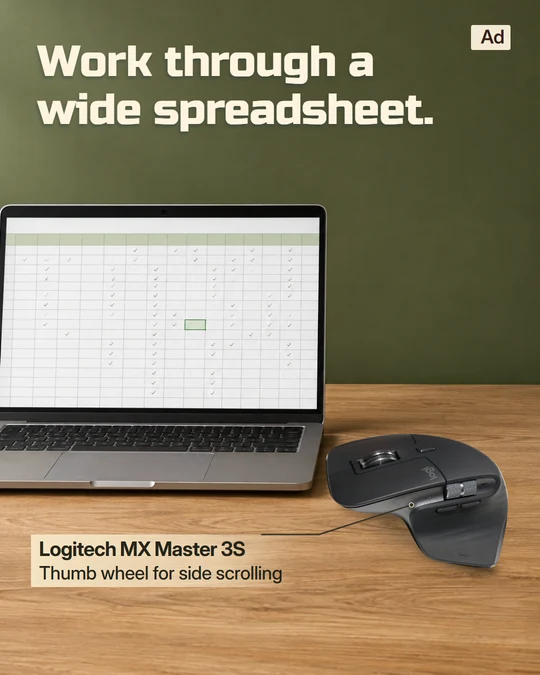
Work through a wide spreadsheet.

Use the Logitech MX Master 3S thumb wheel to move across columns, and check the scroll setting in the spreadsheet app you use.

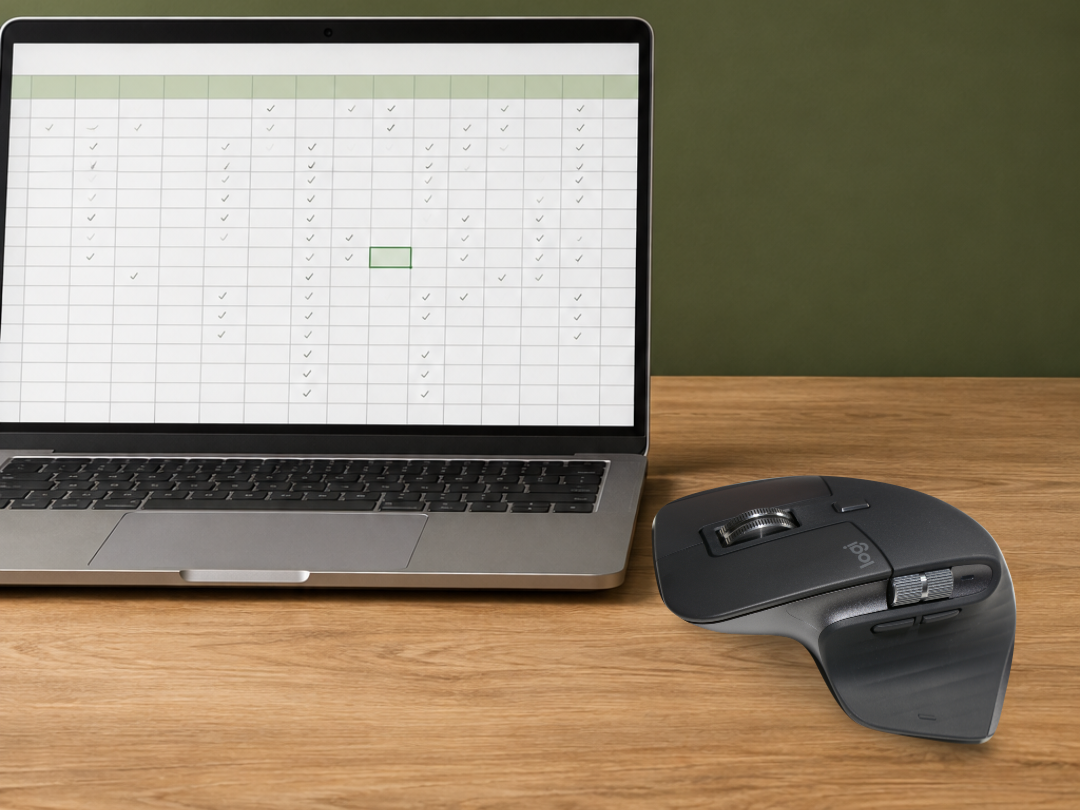
Work through a wide spreadsheet. A dark Logitech MX Master 3S mouse sits beside a laptop showing a green-and-white spreadsheet on a wood desk. A line points from the label ‘Logitech MX Master 3S, Thumb wheel for side scrolling’ to the mouse. Ad.

Shop this post

Amazon shopping buttons are paid links. As an Amazon Associate I earn from qualifying purchases.

Sizes & buying notes ↓

Check the thumb-wheel assignment for your app. The linked Black Bluetooth Edition ships without a USB receiver.

Photo by Hayden Schiff (CC BY 4.0). Cropped and combined with an AI-generated desk setting. Photo credits & licenses

The products in this guide

As an Amazon Associate I earn from qualifying purchases. Affiliate disclosure.

Move across columns in a wide spreadsheet

Logitech MX Master 3S Bluetooth Edition — Black

A thumb wheel on the side handles horizontal scrolling while the top wheel handles vertical scrolling.

Check the wheel assignment in the app you use. Logitech’s Excel preset scrolls horizontally, while its browser presets switch tabs.

Skip this if: Your current trackpad or mouse already handles side-to-side scrolling comfortably.

See options on Amazon

Search results: check the model, size and seller.

Manufacturer & other retailers (unpaid)
Details & buying notes
  • Logitech documents a separate thumb wheel for side-to-side scrolling and identifies horizontal scrolling in the default and Microsoft Excel assignments. Logitech lists switch-tabs assignments for the Chrome, Edge and Safari browser presets.
  • Logitech documents Logi Options+ on Windows and macOS for thumb wheel speed, direction and app-specific settings.
  • Logitech US lists the Black MX Master 3S Bluetooth Edition under 910-007500. Best Buy confirms the part number and lists Bluetooth pairing and Logi Bolt receiver compatibility. The receiver is sold separately.
See thumb wheel settings at Logitech

Move across columns with your thumb

When a monthly report runs past the right edge of your screen, use the thumb wheel on the side of the Logitech MX Master 3S to move left and right. The wheel on top handles vertical scrolling. If your first column holds labels, Excel’s Freeze Panes can keep those labels in view as you scroll.

Check the setting in your spreadsheet app

Logitech lists horizontal scrolling as the default thumb wheel action and as the preset for Microsoft Excel. On Windows or macOS, open Logi Options+ if you want to change the wheel’s speed or direction, or check the setting for Excel.

If your spreadsheet runs in a browser, check the wheel there too. Logitech’s browser presets for Chrome, Edge and Safari assign the thumb wheel to switching tabs. Logi Options+ lets you customize app settings.

Check the bundle before ordering

The photo shows a dark MX Master 3S. Its exact color and retail bundle are unconfirmed. The linked US model is the Black Bluetooth Edition, part number 910-007500. It pairs over Bluetooth and ships without a Logi Bolt USB receiver.

If your current trackpad or mouse already lets you move across columns comfortably, keep using it. This guide draws on published setup and product information.

Sources & further details

Manufacturer links show current specifications, variants, and availability. Check those details before ordering.

Photo source and image license

Logitech MX Master 3S HS09.jpg by Hayden Schiff, October 10, 2025, via Wikimedia Commons. CC BY 4.0. The photographer cropped the Commons version before we used it.

We isolated the mouse, cropped the cutout, rotated it 34 degrees and resized it proportionally. We added a separate shadow in an AI-generated desk setting. The laptop and spreadsheet are part of that setting. The social images add a headline, product label and leader line. View the full-resolution scene.

Back to the picks